Choose a voice and fix pronunciations
Pick your Ladoo agent's voice from the voice library, set how fast it speaks, and teach it how to say local place names and brand words.
The Voice card on the Agent tab controls how your agent sounds.
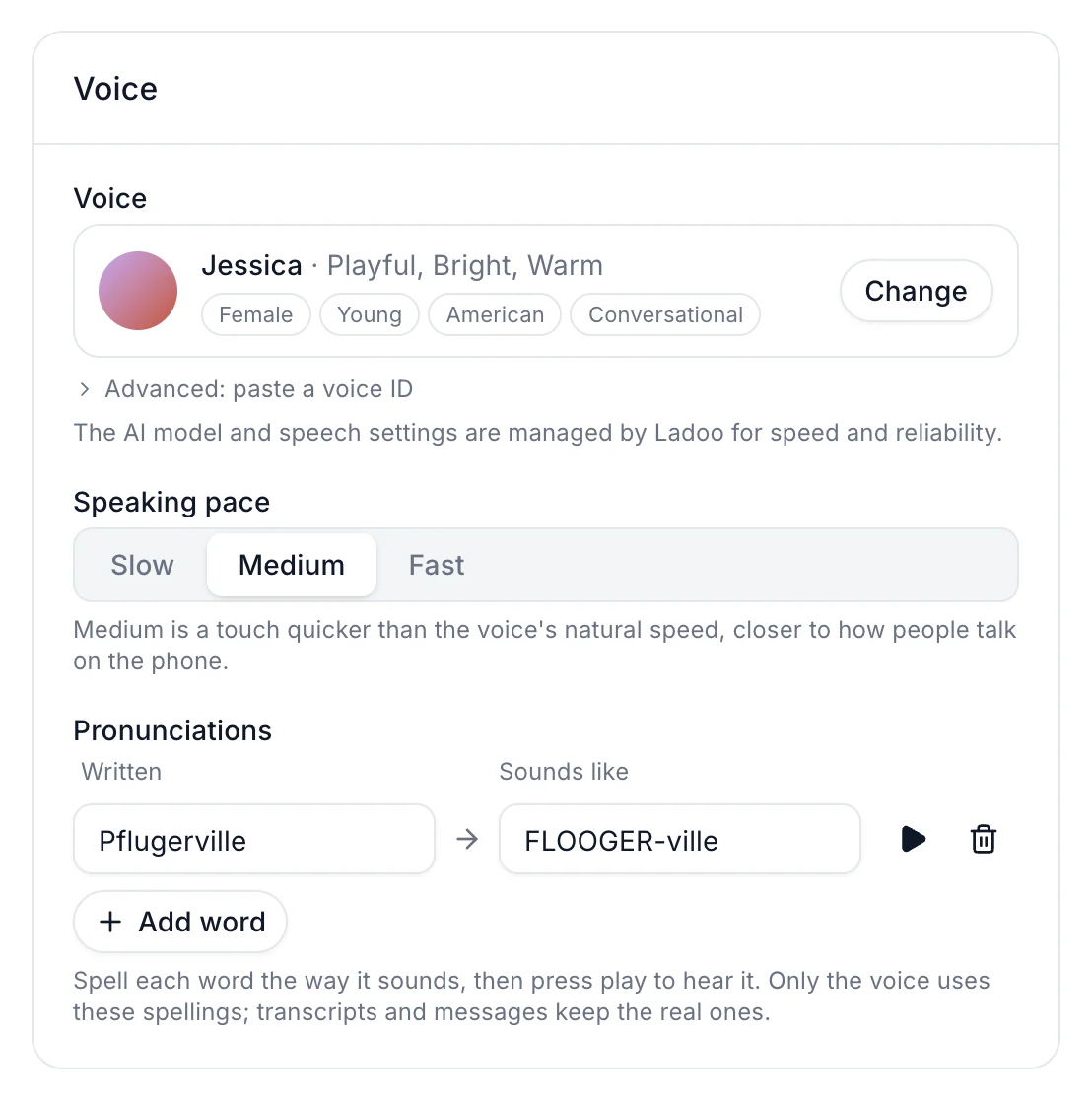
Pick a voice
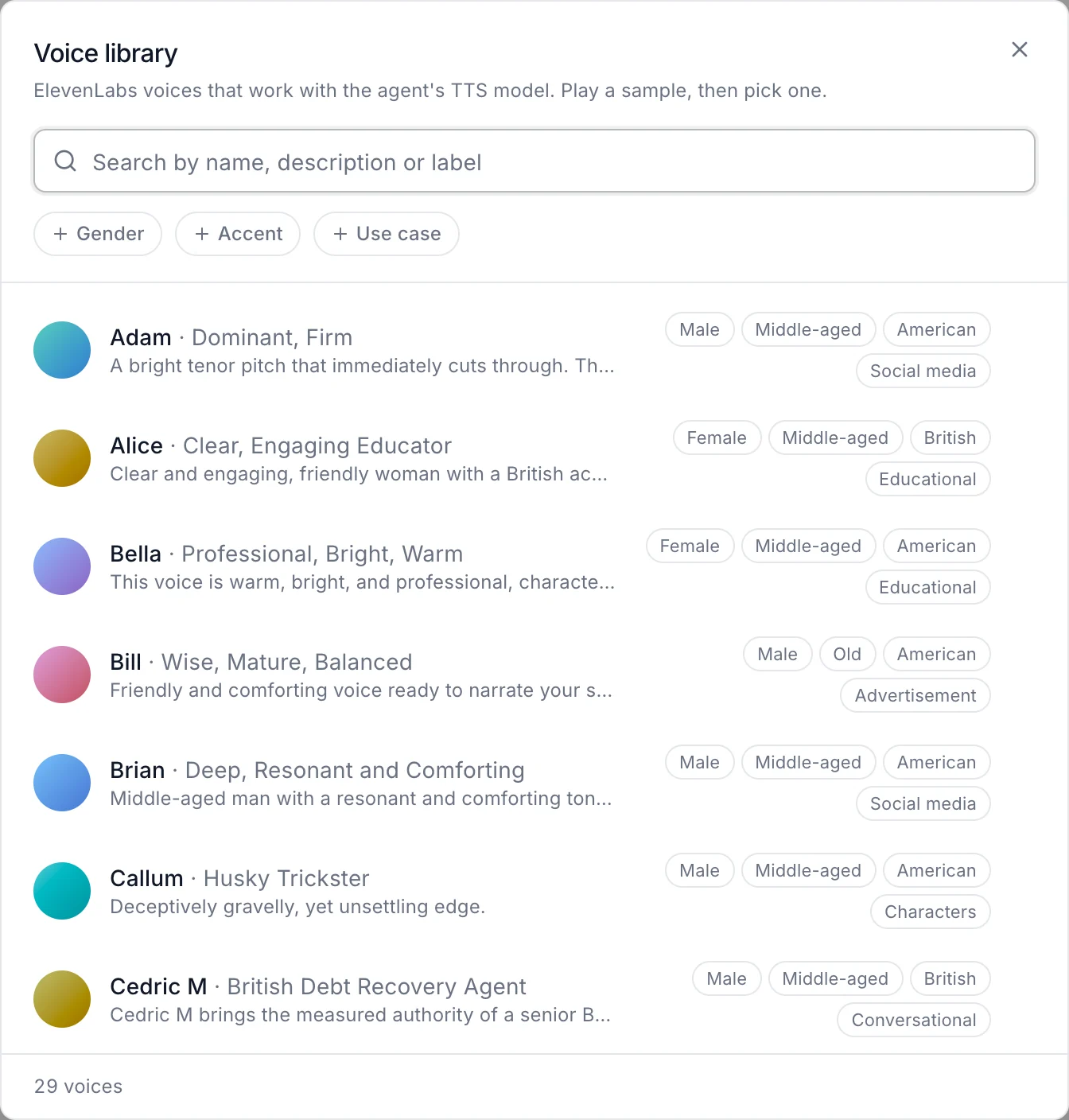
- In Voice, click Change (or Choose voice if none is set).
- Search by name or description, or filter by Gender, Accent and Use case.
- Press play to hear a sample, then pick one.
Speaking pace
Choose Slow, Medium or Fast. Medium is a touch quicker than the voice's natural speed, closer to how people talk on the phone. Choose Slow if many of your callers are older or calling from noisy places.
Pronunciations
AI voices can trip on local place names, surnames and brand names. Teach the voice how to say them:
- Under Pronunciations, click Add word.
- Under Written, type the word as it's spelled, like
Pflugerville. - Under Sounds like, spell it the way it sounds, like
FLOOGER-ville. - Press play to hear it, and adjust until it's right.
Only the voice uses these spellings. Transcripts and messages keep the real word.
Publish when you're done. Then make a test call to hear the whole thing. See Test your agent.
Still stuck?
Ask our support agent (it runs on Ladoo), or email the team.