Get a morning summary email
Turn on Ladoo's morning summary: an email around 7 AM with yesterday's calls, what was urgent, and who needs a call back.
The morning summary is an email around 7 AM with yesterday's calls: how many came in, what was urgent, and who needs a call back. Days without calls send nothing.
Turn it on
- Go to Settings → Your profile.
- Under Morning summary, set Your time zone.
- Switch it on for each workspace you want a summary for.
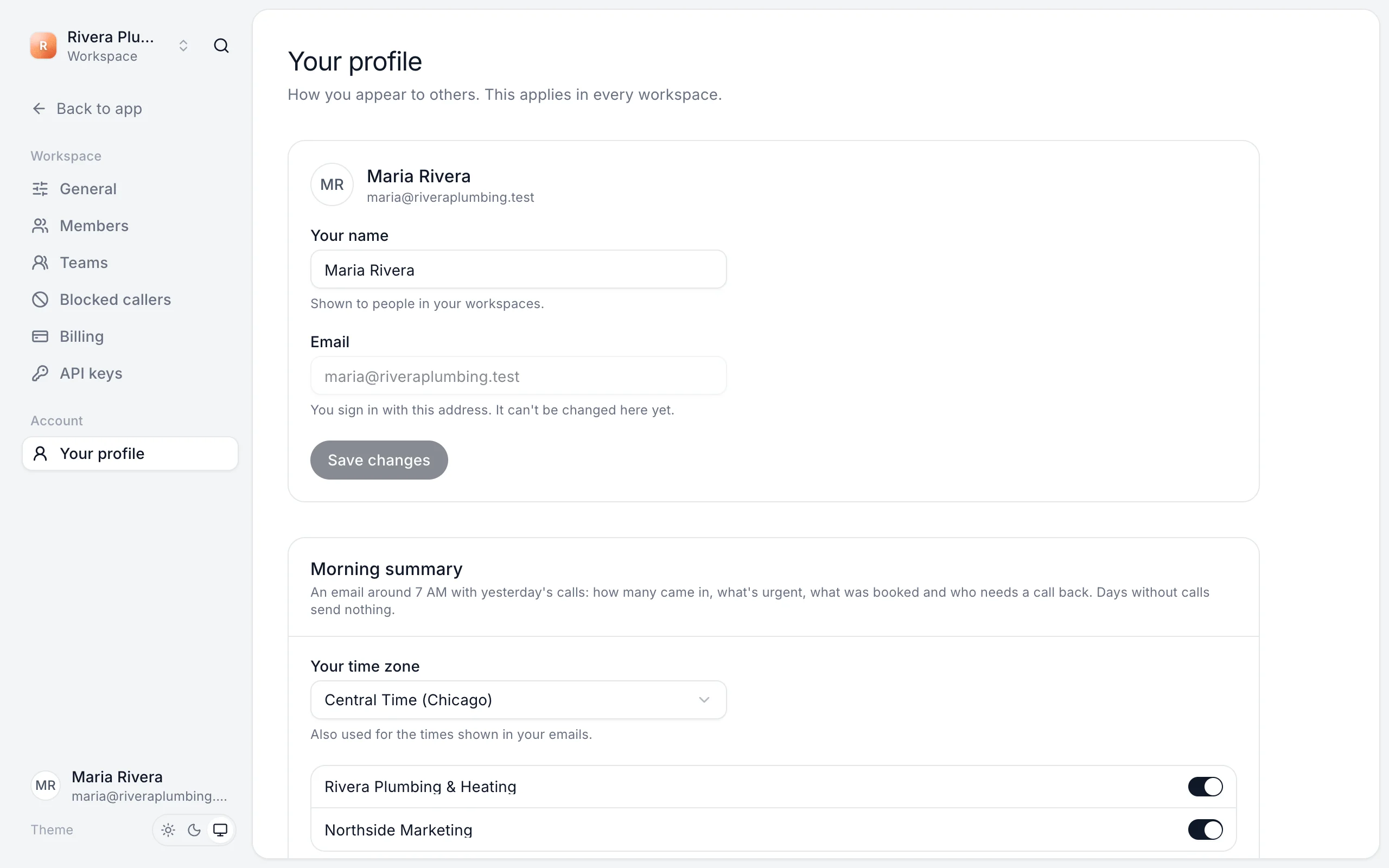
Each person chooses for themselves. Your time zone is also used for the times in your emails.
Still stuck?
Ask our support agent (it runs on Ladoo), or email the team.