Block callers and stop spam
Block nuisance numbers in Ladoo so calls end before your agent answers. Spam, blocked and very short calls don't use your plan's minutes.
Block a number
From a call, click Block caller at the top of the page. Or:
- Go to Settings → Blocked callers.
- Click Block a number, enter the number and an optional note, like "Robocalls about car warranties".
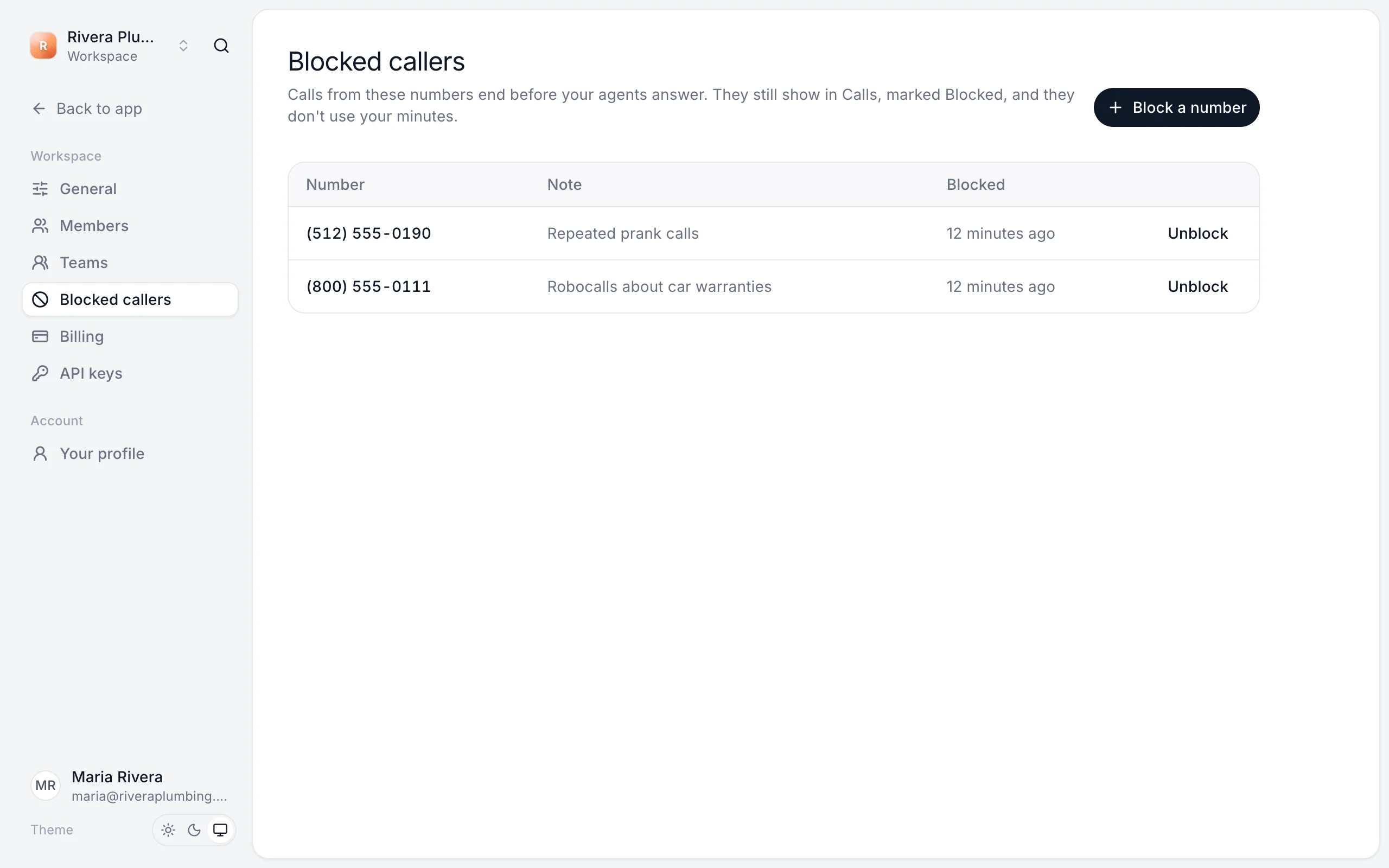
Calls from blocked numbers end before your agents answer. They still show in Calls, marked Blocked, and they don't use your minutes.
To undo it, click Unblock next to the number.
Spam
Your agent spots robocalls, telemarketers and sales pitches and ends them politely, without sharing your business details. These calls are marked Spam in Calls.
Calls that don't use your minutes
- Spam calls
- Calls from blocked numbers
- Calls shorter than 10 seconds
- Test calls (they use test minutes instead)
Still stuck?
Ask our support agent (it runs on Ladoo), or email the team.