Quickstart: answer your first call with Ladoo
Set up an AI receptionist that answers your business phone in about 15 minutes: create an agent, teach it your business, test it, and give it a number.
Ladoo gives your business an AI receptionist, called an agent. It picks up when you can't, answers questions from what you've taught it, takes messages, and puts urgent callers through to your team. This guide takes you from a new account to a live phone line.
What you'll need
- A few minutes and a computer with a microphone (for test calls in your browser).
- Your prices, hours and service area, or a website that lists them.
- A paid plan when you're ready for real calls. You can build and test on the Free plan.
1. Create your account
Go to app.tryladoo.com/sign-up, enter your work email, and open the link we email you. There's no password. See Create your account for details.
2. Create an agent
- Open Agents and click New agent.
- Pick a starting point, like Front desk or After hours.
- Give it the name callers will hear, then click Create agent.
More in Create an agent.
3. Teach it about your business
Your agent only answers from what you give it. Add a knowledge base with your prices, hours, service area and common questions, then attach it to the agent. You can point it at your website and Ladoo reads the pages for you.
Follow Teach your agent about your business.
4. Test it in your browser
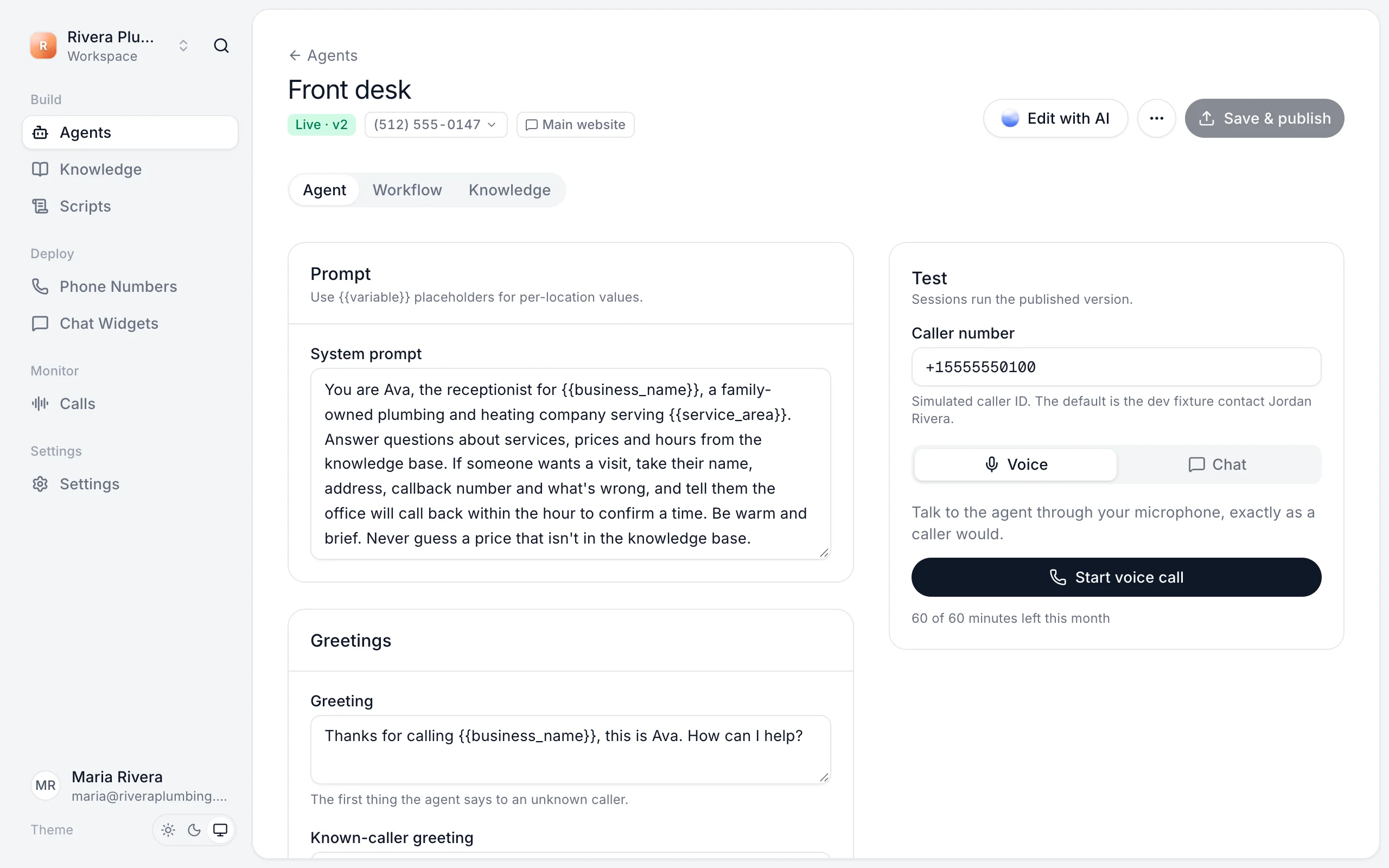
On the agent's page, use the Test panel. Choose Voice to talk to it through your microphone, or Chat to type. Ask the questions your callers ask.
See Test your agent.
5. Publish and go live
Click Save & publish to make your changes live. Then get a phone number from Phone Numbers, or forward your existing number to it. See Go live.
Next steps
- Transfer calls to your team when a caller needs a person.
- Add chat to your website so the same agent answers online.
- Review calls to see what callers asked and fix answers.
Still stuck?
Ask our support agent (it runs on Ladoo), or email the team.