Go live: start taking real calls
Checklist for putting your Ladoo agent on a real phone line: publish, pick a plan, get or forward a number, and make a test call.
When your agent answers test calls the way you want, it's ready for real callers.
Checklist
- Publish your agent. Click Save & publish on the agent's page. Callers always reach the published version. See Publish changes and version history.
- Choose a paid plan. Go to Settings → Billing and pick a plan. Real calls start on Starter. See Plans and pricing.
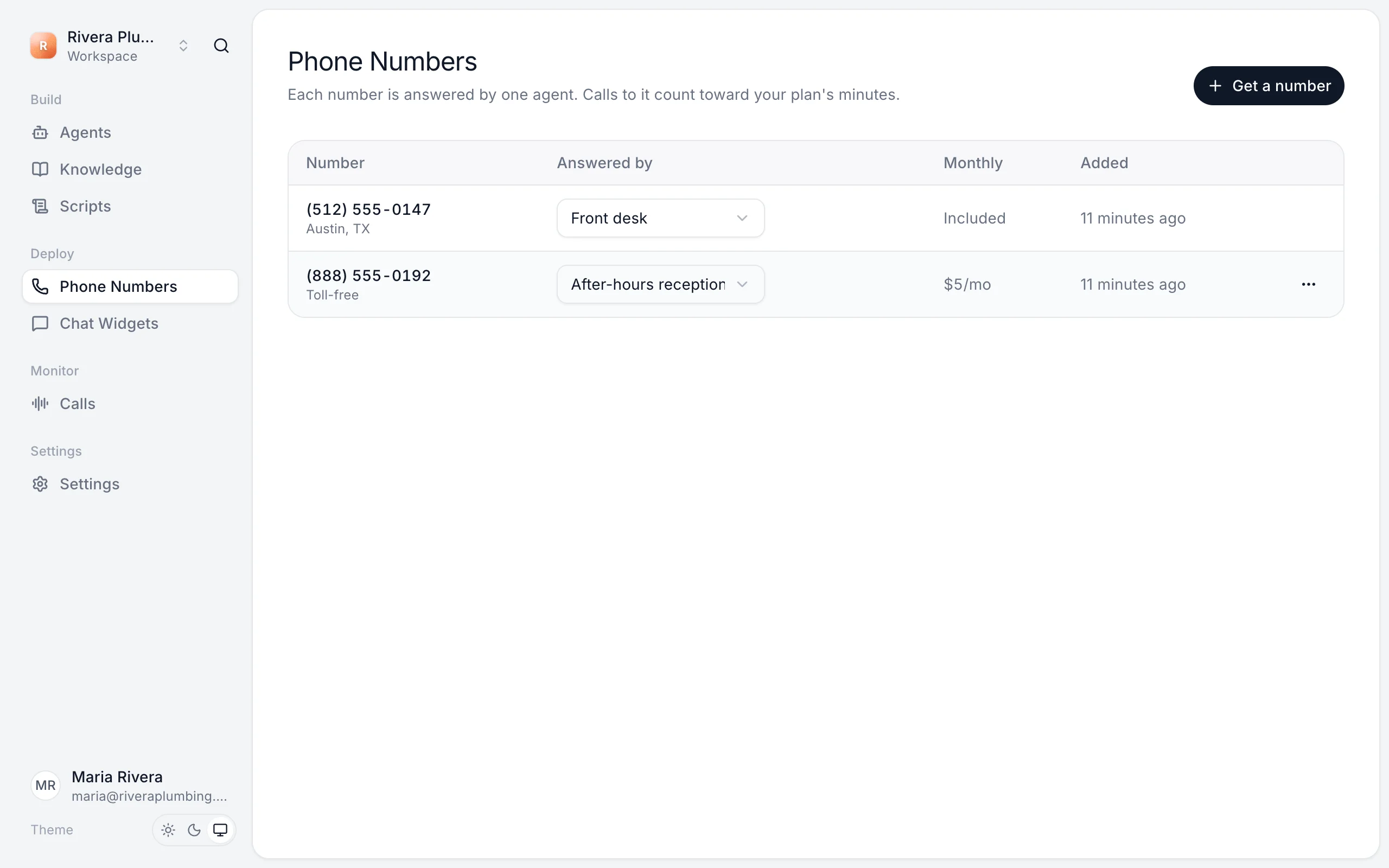
- Get a phone number. In Phone Numbers, click Get a number and choose which agent answers it. See Get a phone number.
- Decide how callers reach it. Share the new number, or forward your existing line to it. See Forward your existing number.
- Call it yourself from your mobile. Check the greeting, ask a question, and leave a message.
- Open Calls and find your call, with its summary and transcript. See Review calls.
After you go live
- Read your first few days of calls. They show what callers really ask.
- Turn on the morning summary email so you see yesterday's calls each morning.
- Invite your team so they can follow up on messages.
Still stuck?
Ask our support agent (it runs on Ladoo), or email the team.