Workspace and profile settings
Rename your Ladoo workspace, change your name, set your time zone, and switch between the workspaces you belong to.
Workspace settings
Go to Settings → General.
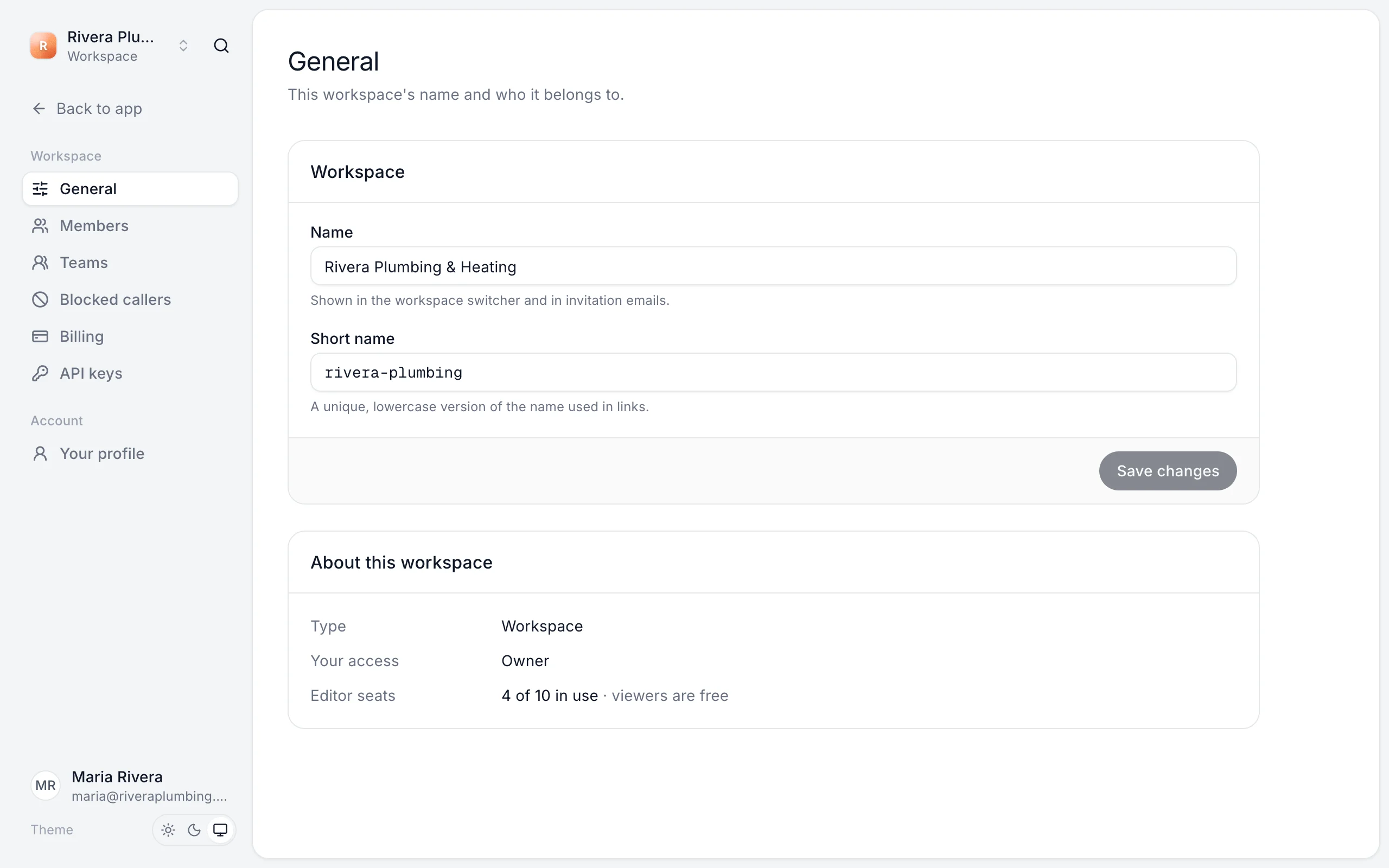
- Name: shown in the workspace switcher and in invitation emails.
- Short name: a unique, lowercase version of the name used in links.
Click Save changes. About this workspace shows your access and how many editor seats are in use.
Your profile
Go to Settings → Your profile.
- Your name: shown to people in your workspaces.
- Email: the address you sign in with.
- Morning summary: your time zone and which workspaces email you each morning. See Morning summary email.
Your profile applies in every workspace.
Switch workspaces
If you belong to more than one workspace, click the workspace name at the top left to switch. You can also start a new workspace of your own from there: choose My business for one business, or An agency to run receptionists for clients. See Client workspaces for agencies.
Still stuck?
Ask our support agent (it runs on Ladoo), or email the team.