Create an agent
Create a Ladoo AI receptionist from a starting point like Front desk, After hours or Emergency triage, or describe your own and let AI draft it.
An agent is one receptionist: its voice, what it knows, what it asks, and how each call goes. Many businesses need only one. Create more if different lines need different behavior, like a main line and an after-hours line.
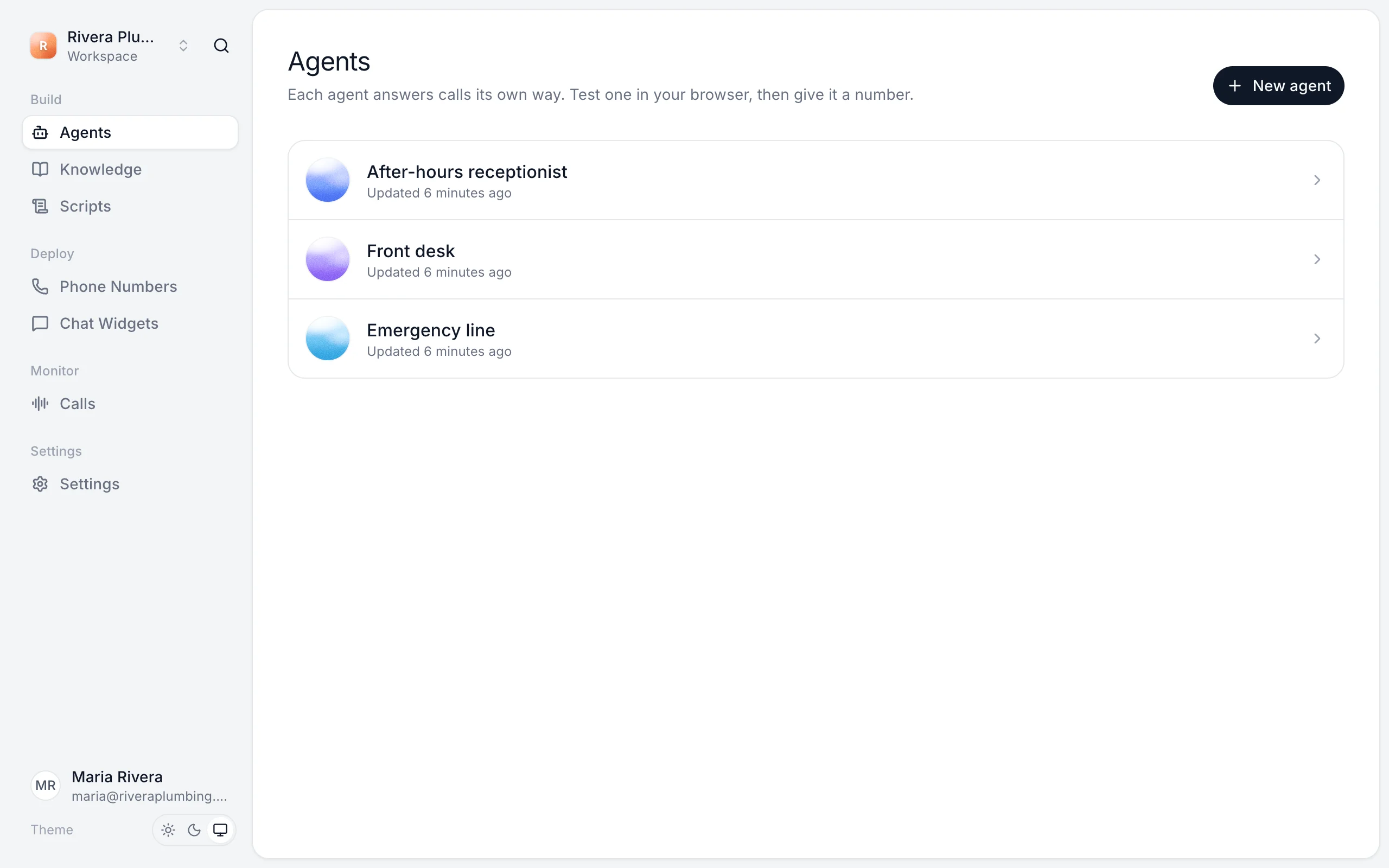
Create an agent
- Open Agents and click New agent.
- Pick a starting point:
- Front desk answers questions and takes messages.
- After hours covers the phone while you're closed.
- Emergency triage sorts urgent calls from routine ones.
- Describe your own: say what it should do, and AI drafts it.
- Enter a Name. This is the name callers hear, as in "Thanks for calling, this is Ava."
- Click Create agent.
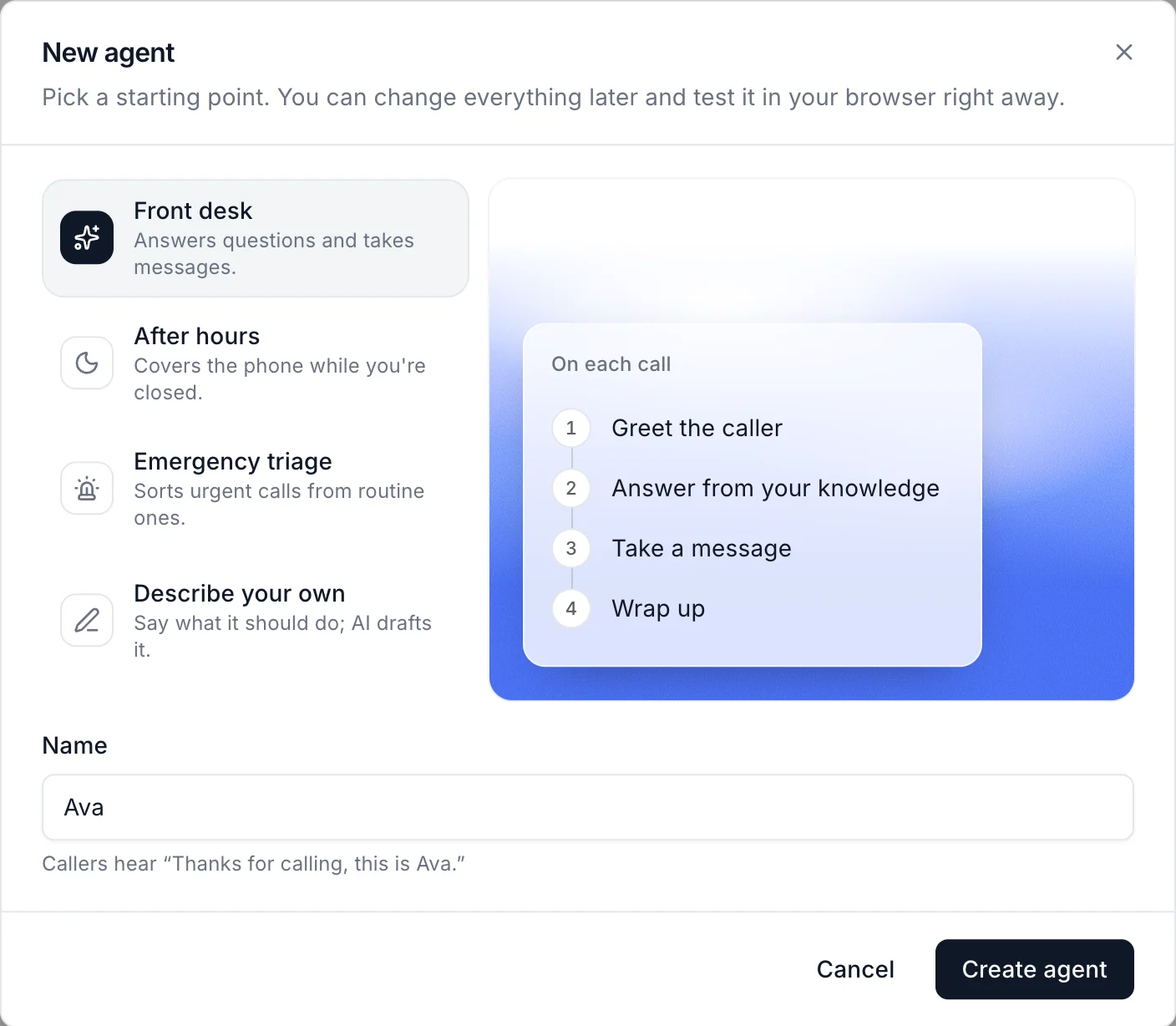
The agent opens on its Agent tab. Nothing is live yet: callers only reach an agent once it's published and has a phone number or chat widget.
The three tabs
- Agent: the prompt, greetings, voice, the details it collects, and a test panel. Start here.
- Workflow: the steps each call follows, like answering questions, taking a message or transferring. See Workflows.
- Knowledge: the knowledge bases and call scripts it uses. See Teach your agent about your business.
Rename or delete an agent
Click the agent's name at the top of its page to rename it. To delete it, open the ⋯ menu next to Save & publish. Past calls keep their transcripts. Phone numbers and chat widgets it answered need another agent.
Next
Still stuck?
Ask our support agent (it runs on Ladoo), or email the team.