Edit with AI and Build with AI
Describe changes to your Ladoo agent in plain words. Edit with AI updates the prompt, greetings and fields; Build with AI builds and edits the workflow.
You don't have to write prompts or draw workflows yourself. Describe what you want and Ladoo makes the change for you to review.
Edit with AI (the Agent tab)
Click Edit with AI at the top of an agent's page. Tell it what to change: the prompt, the greetings, what to ask callers, or how to say a word.
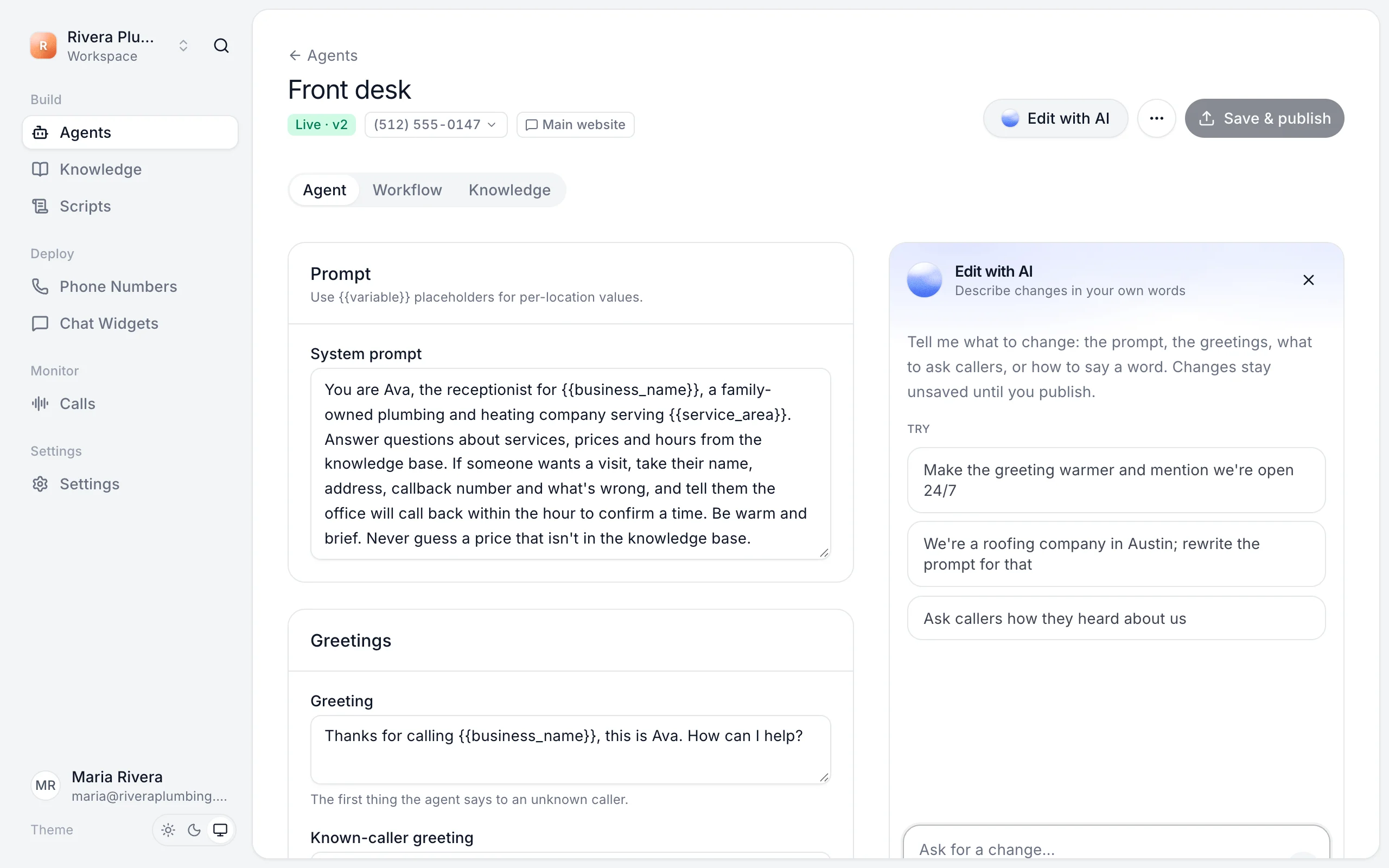
Examples:
- "Make the greeting warmer and mention we're open 24/7."
- "We're a roofing company in Austin. Rewrite the prompt for that."
- "Ask callers how they heard about us."
Its changes appear in the editor as unsaved changes. Read them, undo if you don't like them, and click Save & publish when you do.
Build with AI (the Workflow tab)
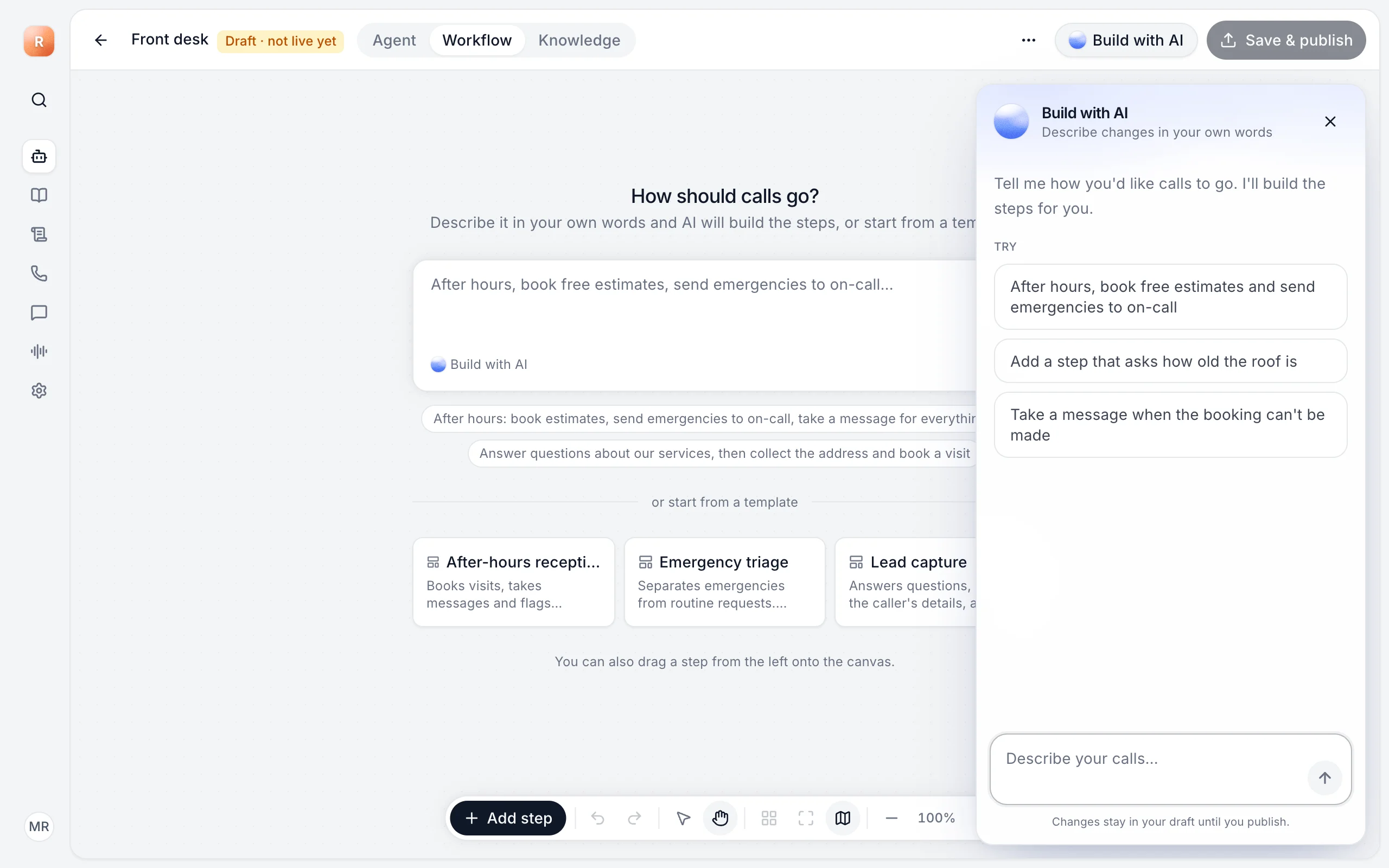
On the Workflow tab, click Build with AI and describe how calls should go, or what to change:
- "After hours, take a message for routine calls and send emergencies to on-call."
- "Add a step that asks how old the roof is."
- "Take a message when the person we transfer to doesn't answer."
Messages
Each message you send uses one Build with AI message from your plan: 20 in total on Free, then 50, 200 or 500 a month on Starter, Pro and Agency. Settings → Billing shows what's left.
Still stuck?
Ask our support agent (it runs on Ladoo), or email the team.