Publish changes and version history
How publishing works in Ladoo: edits stay as a draft until you click Save & publish, each publish creates a version, and live calls switch right away.
Edits to an agent are a draft until you publish. Callers, chat visitors and test calls always reach the published version.
Publish
- Make your changes. A bar at the bottom shows Unsaved changes.
- Click Save & publish.
- Add a short Changelog, like "Mention today's hours in the greeting". It's optional but helps later.
- Click Publish.

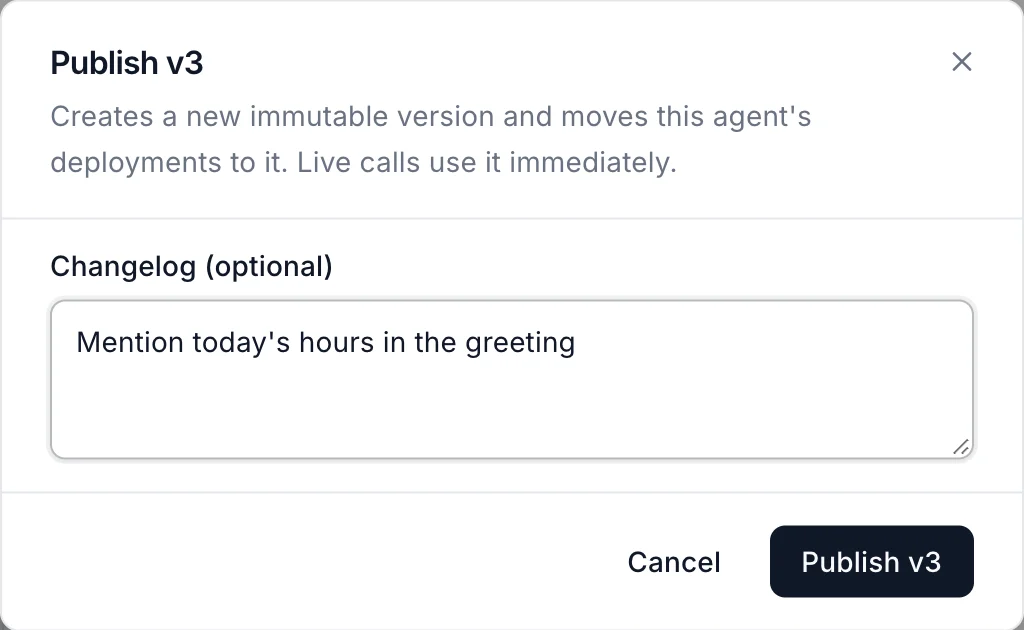
Click Discard instead to throw your draft away.
The badge next to the agent's name shows what's live, like Live · v2.
Version history
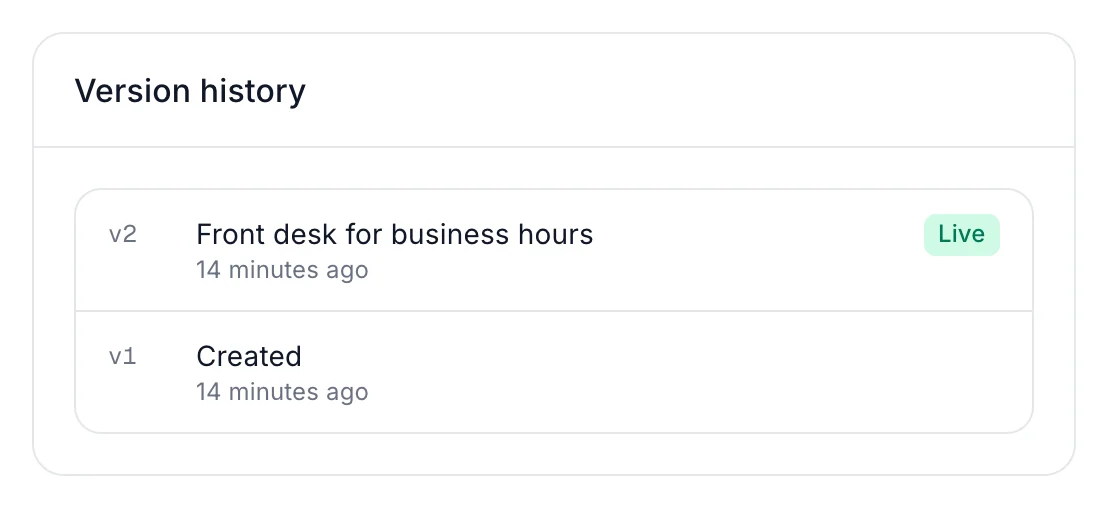
The Version history card on the Agent tab lists every published version, newest first, with its changelog and when it went live.
What doesn't need a publish
Some changes apply right away, without a new version:
- Attaching or editing knowledge bases and call scripts.
- Which agent answers a phone number or chat widget.
- Who's on call in a team.
Still stuck?
Ask our support agent (it runs on Ladoo), or email the team.