Manage your phone numbers
Change which Ladoo agent answers a phone number, or release a number you no longer need so it stops being billed.
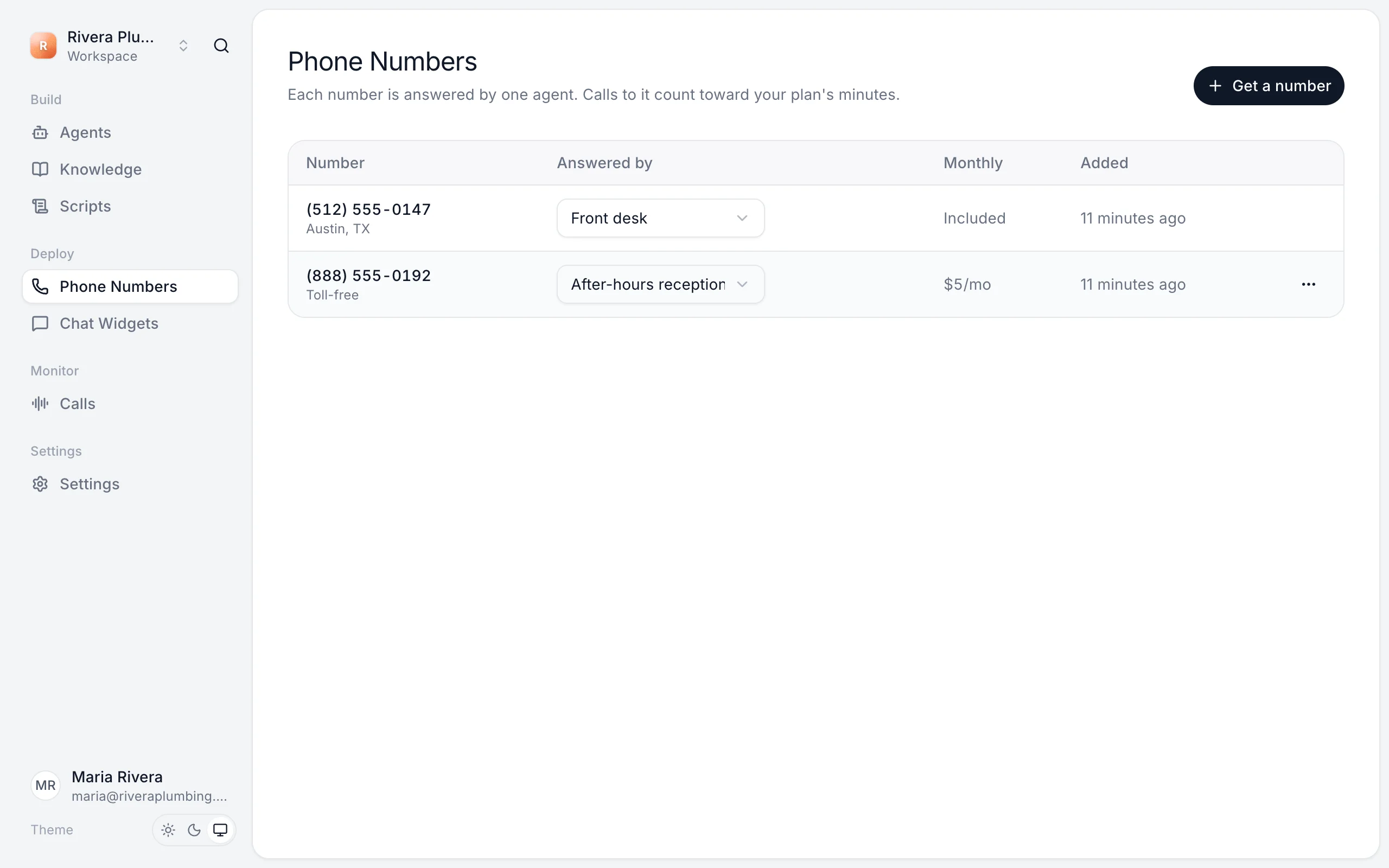
Phone Numbers lists every number in your workspace, the agent that answers it, and what it costs each month.
Change the agent that answers
Pick a different agent in the Answered by menu next to the number. It takes effect on the next call, with no publish needed. You can also see and change an agent's numbers from the number menu at the top of the agent's page.
Release a number
- Click the ⋯ next to the number.
- Choose Release number and confirm.
Calls to it stop right away and it stops being billed.
If you cancel your plan
When a paid plan ends, your workspace moves to Free and its phone numbers are released. See Change or cancel your plan.
Still stuck?
Ask our support agent (it runs on Ladoo), or email the team.