Transfer calls to your team
Have your Ladoo agent put callers through to a person: one phone number, or whoever is on call in a team, with what happens if nobody answers.
Your agent can put a caller through to a real person, like an on-call technician for emergencies or the office for billing questions. You set this up with a Transfer step in the agent's workflow.
Add a transfer
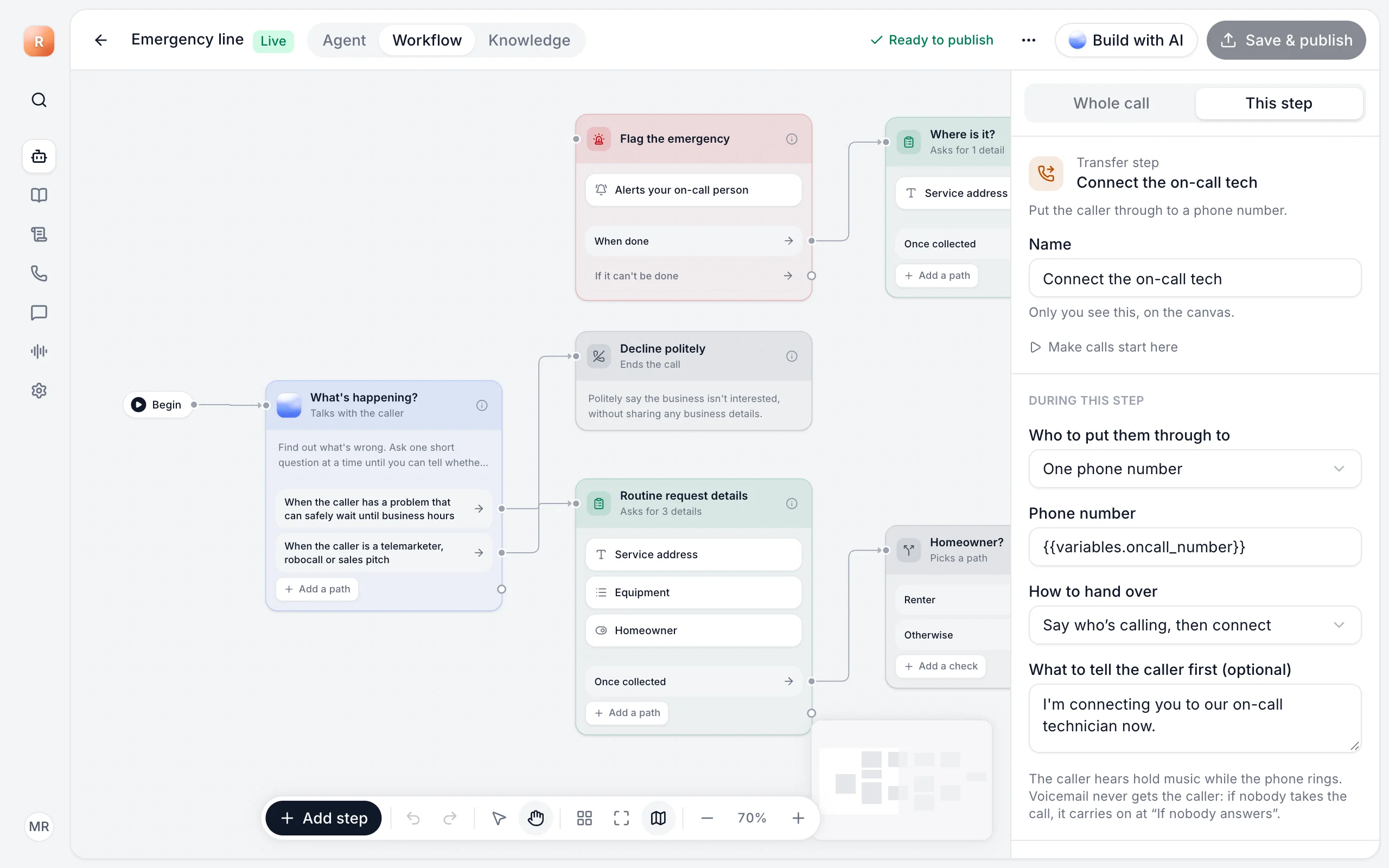
- Open your agent and go to the Workflow tab.
- Click Add step and choose Transfer. Connect it to the path that should reach a person, like "When the caller has an emergency".
- Click the step and set it up:
- Who to put them through to: Whoever is on call in a team, or One phone number.
- How to hand over: Say who's calling, then connect, or Brief them and let them accept.
- What to tell the caller first (optional), like "I'm connecting you to our on-call technician now."
- Connect the step's "If nobody answers" path to what should happen next, usually Take message.
- Click Save & publish.
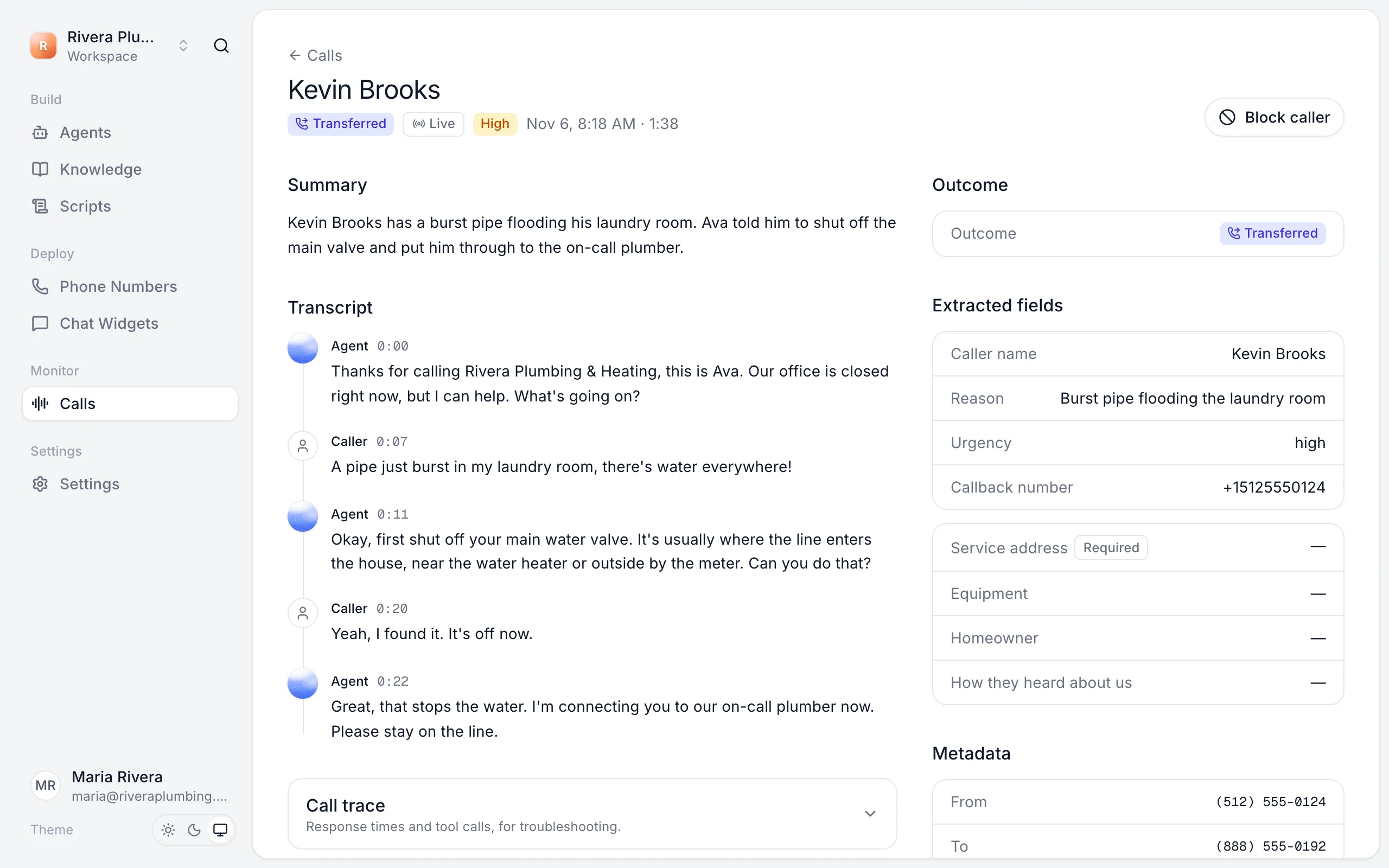
What the caller hears
The caller hears hold music while the phone rings. Voicemail never gets the caller: if nobody takes the call, the agent comes back and carries on at If nobody answers, so you don't lose the call.
Transfer to a team
Transferring to a team rings the people on call in that team, one at a time from the top, until someone answers. You can rotate who's on call each week. Set this up in Teams and on-call.
Test it
Start a test call, then ask for what triggers the transfer. The phone you set should ring. See Test your agent.
Still stuck?
Ask our support agent (it runs on Ladoo), or email the team.